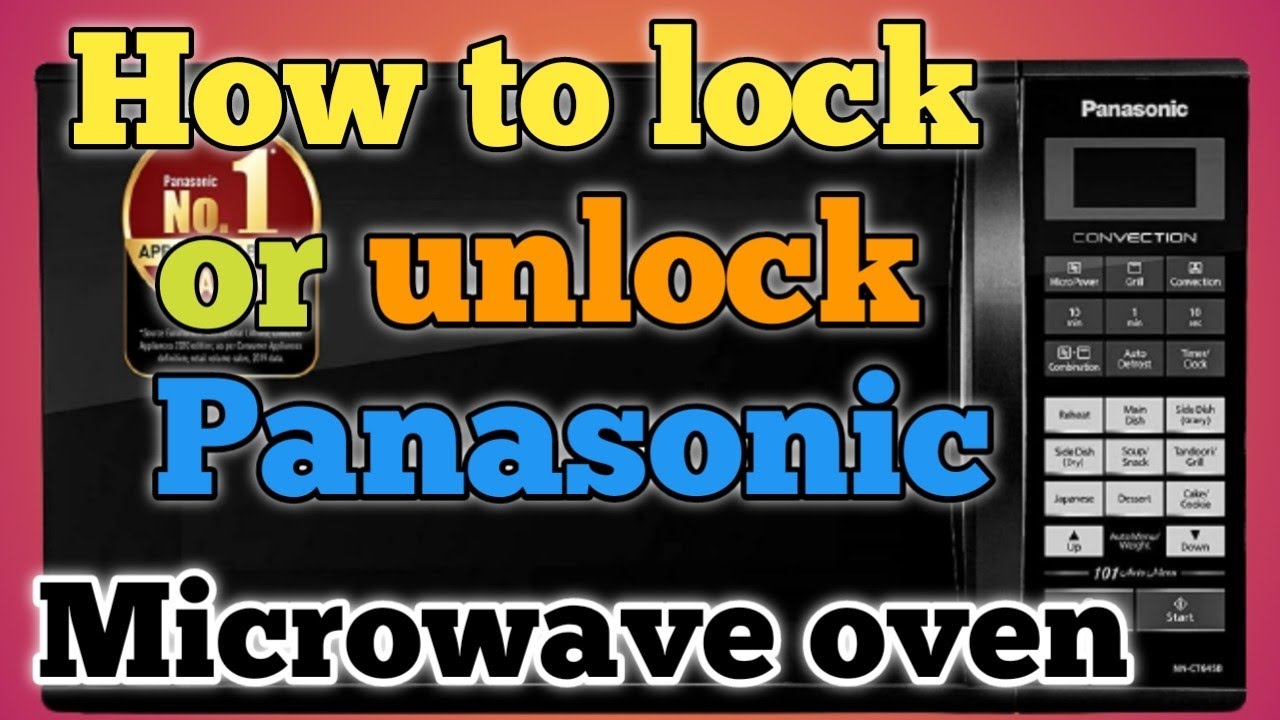
How To Unlock A Microwave Panasonic: Quick Fix Guide
Hold the Stop/Clear (or Cancel) button for 3–5 seconds to disable the child lock on most Panasonic microwaves.
I’ve worked with many kitchen appliances and fixed locked microwaves for friends and clients. This guide walks you through how to unlock a microwave Panasonic models commonly use, why locks engage, and safe fixes if the usual method fails. I will show simple steps, real-world tips from my experience, and clear troubleshooting so you can get your microwave working again without stress.

Why Panasonic microwaves lock and what it means
Microwaves lock to protect kids and to avoid accidental starts. Panasonic uses a child lock or control lock on many models. The lock stops the keypad from working but does not block the door. You may see LOC, L, or a lock icon on the display. Knowing why your microwave locks helps you pick the right unlock method.

How to tell if your Panasonic microwave is locked
Look at the display first. If you see LOC, L, a padlock icon, or the display is frozen, the unit is likely locked. Try pressing Start or time buttons. If nothing responds, but the door opens, the keypad is locked, not the door. This difference matters when you decide how to unlock.

Common methods to unlock a Panasonic microwave
Most Panasonic models unlock with a simple button hold. Try each method for 3–5 seconds and watch the display for changes.
- Press and hold Stop/Reset or Clear/Off for 3 to 5 seconds
- This is the most common method on many Panasonic countertop microwaves.
- Press and hold the Cancel button for 3 to 5 seconds
- Some models label the stop button as Cancel.
- Press and hold Start/Enter for 3 to 5 seconds
- A few models use the Start button to toggle child lock.
- Power cycle the unit
- Unplug the microwave or turn off the breaker for 30–60 seconds, then restore power and try the button hold again.
- Check for a demo mode or control lock sequence
- If the display reads DEMO or shows a pattern, try holding Stop/Reset for 5 seconds. Demo modes often mimic a locked keypad.
Try the method that fits your model first. If you are unsure, start with Stop/Reset or Clear/Off. Those two work most often. I once unlocked a locked Panasonic by simply holding Clear for four seconds while the owner watched in surprise. It was that easy.
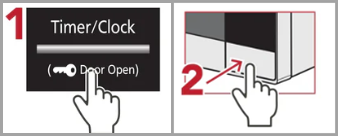
Step-by-step unlock procedure (safe and tested)
Follow this clear set of steps. Keep each press steady and short where told.
- Check the display for LOC, a padlock, or DEMO.
- Close the door fully to ensure the unit is in normal mode.
- Press and hold Stop/Reset or Clear/Off for 3 to 5 seconds.
- If nothing happens, press and hold Cancel for 3 to 5 seconds.
- Power cycle the microwave by unplugging for 30–60 seconds.
- After power returns, try the button hold again.
If one method works, the display will clear the lock icon or begin normal clock mode. If not, move to troubleshooting steps below.

Troubleshooting when standard unlock fails
If the usual steps do not unlock your microwave, try these safe checks.
- Verify model-specific instructions
- Look at the label inside the door for the model number. Search the manual for "child lock" or "control lock."
- Reset the microwave fully
- Unplug for 5 minutes to reset the control board. This can clear stuck states.
- Check for stuck buttons or spills
- Grease or moisture can make the pad feel stuck. Clean the panel with a soft cloth and mild cleaner after unplugging.
- Inspect the door latch and switches
- If the door latch is damaged, the control may stay in a locked or error state. Do not disassemble beyond the outer cabinet.
- Update approach for inverter models
- Some inverter Panasonic microwaves use a longer hold (5–8 seconds) on Stop/Reset. Try a longer press if shorter ones fail.
- Contact support if keypad is dead
- If the keypad does not light or the display is blank, reach out to Panasonic support or a certified technician.
From my experience, most problems are solved by holding Stop/Reset or power-cycling. Cleaning the control panel fixed one stubborn case where crumbs had jammed the buttons.

When to call a professional or Panasonic service
Call a pro if you see sparks, burning smells, smoke, or if the door latch is broken. Also call if the keypad never responds after power cycling. Microscope-level repairs, control board faults, or door-latch replacements should be done by trained technicians. Share your model number and what you tried when you contact support. This saves time and gets the right help.
Safety tips and best practices
Safety is key when handling any appliance. Follow these simple rules.
- Do not force open or pry internal panels
- You risk electric shock and void warranties.
- Unplug before cleaning or inspecting
- Always remove power to avoid accidental starts.
- Avoid metal probes or liquid inside control panel
- Liquids and metal can short the board.
- Keep children away while diagnosing
- Locks are for safety; maintain caution while testing.
These steps protect you and extend the life of your microwave. I once saw a burned keypad caused by pouring cleaning solution directly into cracks. Clean gently and unplug first.
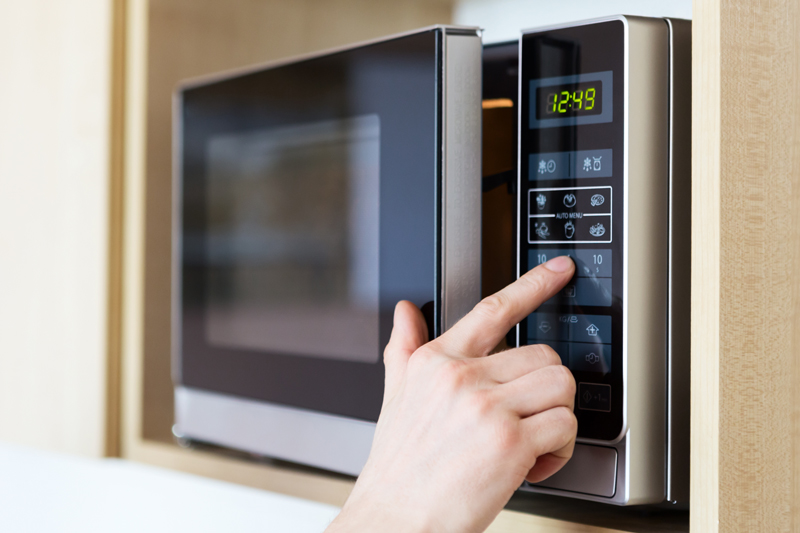
Practical tips to avoid future lockouts
A few habits prevent repeat lockouts.
- Teach family members how to toggle child lock
- A quick 10-second demo helps everyone.
- Keep the manual or a digital copy handy
- Manuals list model-specific unlock steps.
- Clean keypad regularly and gently
- A clean panel reduces sticky buttons.
- Label the microwave with the unlock step
- A small note inside a cabinet saves time.
These small steps save frustration. I keep a printed quick guide near my microwave and it helped a neighbor unlock hers twice last year.

Frequently Asked Questions of how to unlock a microwave panasonic
How long should I hold the Stop/Clear button to unlock a Panasonic microwave?
Hold the Stop/Clear or Cancel button for 3 to 5 seconds on most Panasonic models. If nothing happens, try holding for up to 8 seconds or power-cycle and try again.
My microwave shows DEMO. How do I unlock that mode?
Power cycle the unit by unplugging for 30–60 seconds, then plug back in and press and hold Stop/Reset for 5 seconds. If DEMO persists, consult your manual or service.
The keypad is totally unresponsive. Can I still unlock it?
If the keypad shows no lights, first unplug and restore power to reset the control board. If it stays dead, contact Panasonic support or a certified repair technician.
Will unlocking the microwave erase settings or the clock?
Most unlock methods do not erase settings, but power cycling can reset the clock. You may need to reenter the time after a full power reset.
Is it safe to try to open the microwave cabinet to fix a locked keypad?
No. Opening the cabinet can expose high-voltage parts and void warranties. Leave internal repairs to trained technicians.
Conclusion
You can usually unlock a microwave Panasonic models with by holding Stop/Reset, Clear/Off, or Cancel for 3–5 seconds, or by power-cycling the unit. Check your model number and manual if the standard steps do not work, and avoid opening the cabinet yourself. Try the simple steps now and keep a note of the right unlock method for future use. If you found this guide helpful, leave a comment, subscribe for more appliance tips, or share your microwave model below so I can help further.

Appliance Review Expert
Lucas Ramirez is a trusted voice at HomeFixGrid.com, known for his clear, practical, and creatively written guides that simplify appliance care for everyday homeowners. With a strong focus on hands-on testing and real-world problem-solving, Lucas brings expert insight into appliance reviews and troubleshooting techniques. Her work empowers readers to confidently maintain, repair, and choose the right appliances for their homes.