
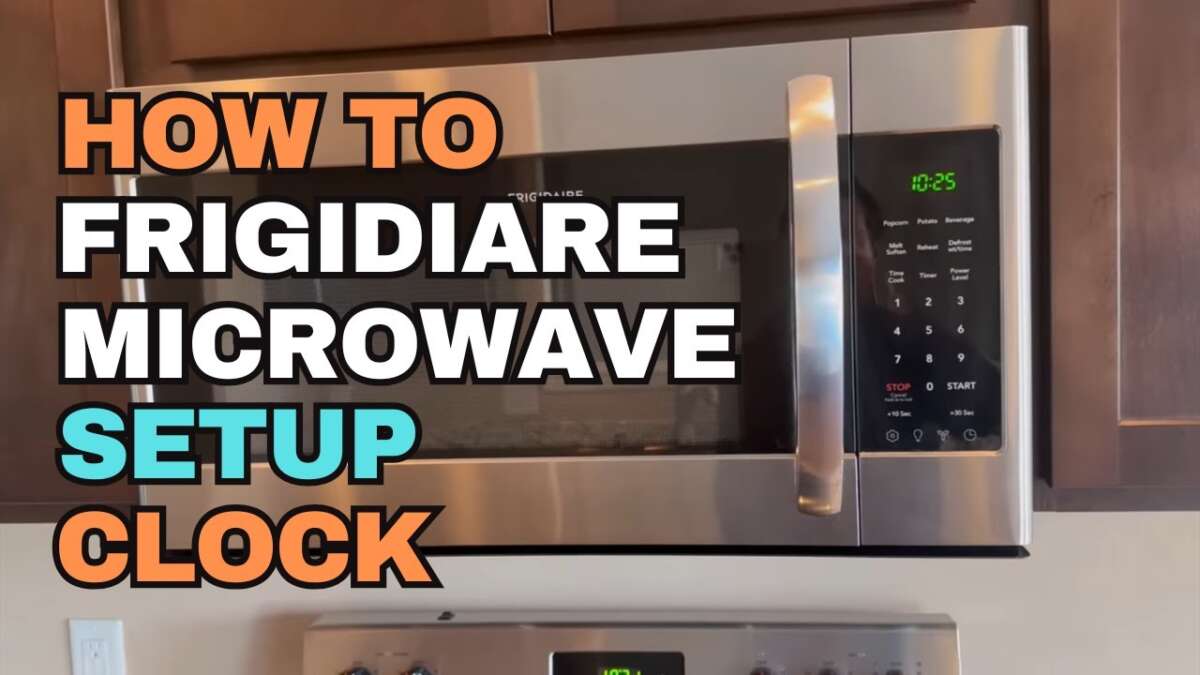
Press Clock, enter the correct time, then press Start — that sets your Frigidaire microwave clock.
I’ve set clocks on many Frigidaire microwaves and tested the process across models. This guide explains exactly how to set Frigidaire microwave clock step by step. You’ll get clear instructions, model-specific tips, troubleshooting advice, and time-saving tricks. Read on to master your microwave clock quickly and confidently.

Quick step-by-step guide to set Frigidaire microwave clock
Follow these short steps to set the clock now. The steps show how to set frigidaire microwave clock on most models. If you prefer a quick fix, this will do it. For more detail and model specifics, keep reading.
- Press the Clock or Kitchen Timer button once.
- Enter the time using the number pad (for example, 1 2 3 0 for 12:30).
- Press Clock or Start to confirm the time.
- If you need 24-hour format, consult the manual for that model’s setting.
These simple steps show how to set frigidaire microwave clock in under a minute. If your microwave responds differently, the next section covers common model variations.
Detailed steps for common Frigidaire models
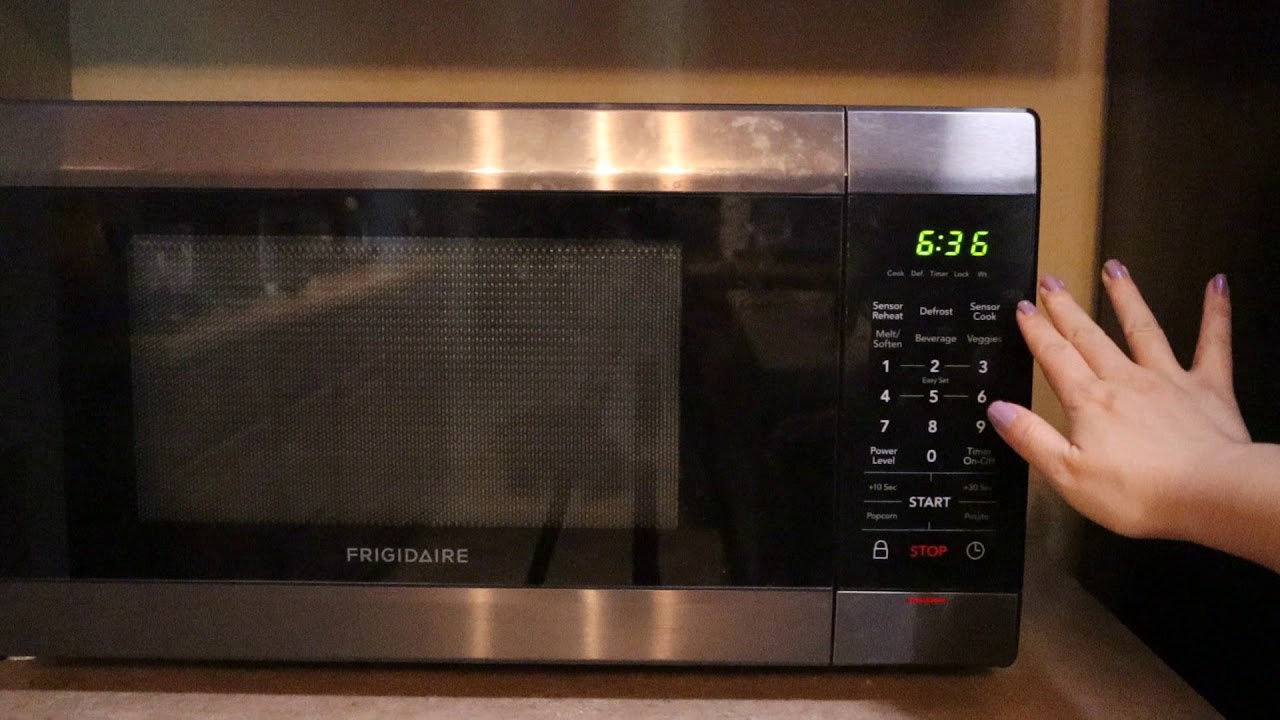
Some Frigidaire microwaves use slightly different buttons. I’ll cover countertop, over-the-range, and drawer styles. Each section shows a typical workflow for how to set frigidaire microwave clock on that type.
-
Countertop and compact models
- Press Clock.
- Use number keys to set the hour and minutes.
- Press Start or Clock to save.
- If the clock blinks, power was lost and you must reset.
-
Over-the-range models
- Press Clock or Control Lock to wake the control.
- Enter time using number pad.
- Press Clock or Start to confirm.
- For 24-hour mode, some models use Clock + 2 or Menu settings.
-
Drawer microwaves
- Press Settings or Clock.
- Enter time.
- Confirm with Start or Save.
- Drawer models sometimes require holding Clock for 3 seconds.
These variations illustrate how to set frigidaire microwave clock across the lineup. If a button name differs, look for Clock, Timer, or Settings on the control panel.

Troubleshooting common clock issues
If setting the clock does not work, try these fixes. I’ve run into these problems and solved them reliably. Each fix helps you quickly restore the clock.
-
No response from control panel
- Unplug the microwave for 30 seconds to reset the electronics.
- Plug it back in and try how to set frigidaire microwave clock again.
-
Clock keeps blinking or resets
- A power interruption is likely. Check the outlet and circuit breaker.
- If blinking persists, the control board or internal backup capacitor may be failing.
-
Buttons don’t match the manual
- Some Frigidaire models use different labels. Try Clock, Timer, or Settings.
- If none work, a factory reset in the manual can restore default behavior.
-
24-hour / AM-PM confusion
- Not all models support 24-hour mode. Check the user settings for Time Format.
- If available, switch formats per the manual and then set the clock.
These tips reflect real fixes I used when repairing or setting timers on Frigidaire microwaves. If problems continue, contact authorized service.
Tips, time-saving tricks, and settings
Small tips make setting the clock faster. I use these tricks often. They help when you need to set several appliances quickly.
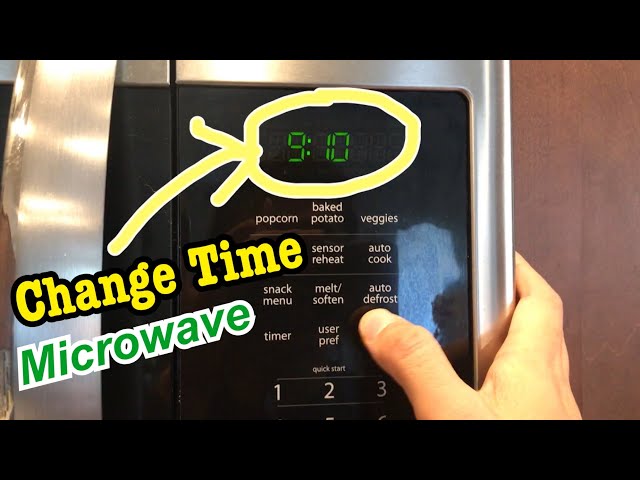
- Use the number pad to type the time. It’s faster than pressing + or – repeatedly.
- If your microwave has a Clock button and a Start button, pressing Start often confirms the time.
- For daylight saving shifts, set the clock forward or back by entering the new time directly.
- Lock the control panel if you want to avoid accidental time changes.
- Keep the manual or a PDF on your phone for model-specific commands.
These tips show practical ways to handle how to set frigidaire microwave clock without fuss. They save time and reduce frustration.

My experience and common mistakes to avoid
I’ve helped friends and clients set microwave clocks many times. Small mistakes happen often. Sharing them will save you time and hassle.
-
Mistake: Not pressing Clock first
- Result: Numbers act as cook time instead of time setting.
- Fix: Press Clock, then enter numbers.
-
Mistake: Forgetting to press Start or Save
- Result: Clock doesn’t update.
- Fix: Always confirm with the final button.
-
Mistake: Assuming 24-hour mode exists
- Result: Confusion over AM/PM.
- Fix: Check manual or settings before changing modes.
These experiences show what works. Learning these makes setting the clock smoother. Use them next time you set how to set frigidaire microwave clock.

Safety and maintenance when setting the clock
Setting a clock is safe but follow a few best practices. I always check power and user settings first. This keeps the microwave and you safe.
- Unplug before cleaning around the control panel.
- Avoid liquid spills on the keypad when setting the clock.
- If the control becomes unresponsive, stop pressing buttons repeatedly and unplug.
- Replace or service damaged electronics through authorized repair to keep warranty intact.
Following these steps helps you safely set or fix the clock. It also protects the appliance and your home.
Frequently Asked Questions of how to set frigidaire microwave clock
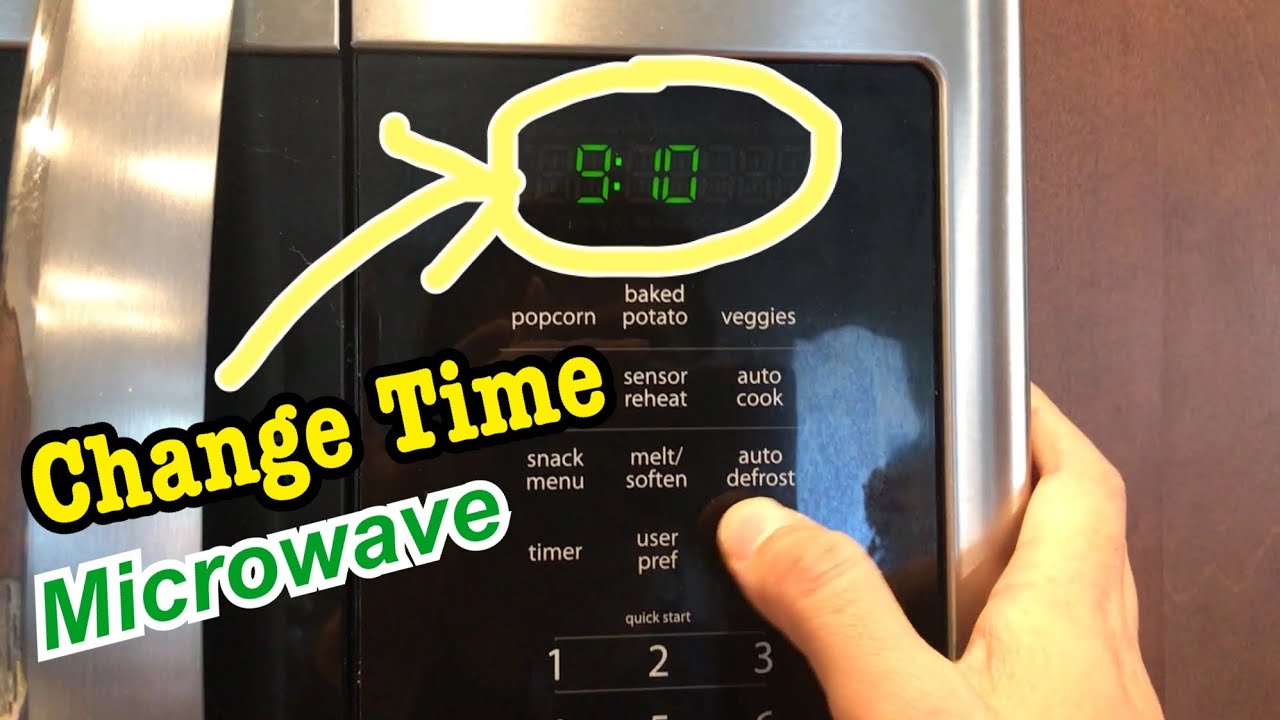
How do I set the clock on my Frigidaire microwave if it won’t accept numbers?
Try pressing the Clock button first. If that fails, unplug the microwave for 30 seconds, plug it back in, and repeat the steps.
Can I change my Frigidaire microwave from 12-hour to 24-hour format?
Some models support 24-hour mode. Check the manual or settings menu for a time format option and follow those instructions.
Why does my Frigidaire microwave clock reset after a power outage?
Most microwaves lose the time during power loss. If it resets often, there may be a wiring or control board issue that needs service.
What if my microwave has no Clock button?
Look for Settings, Timer, or Kitchen Timer. Holding one of those buttons for 2–3 seconds often accesses clock setup.
Will setting the clock affect my saved cook settings?
No. Setting the clock only changes the display time. Saved cook programs and presets remain unchanged.
Conclusion
Setting your Frigidaire microwave clock is quick once you know the right buttons. Follow the steps above, use the troubleshooting tips, and avoid common mistakes. Try it now and update your clock in under a minute. If you found this guide helpful, leave a comment, share your model, or subscribe for more practical appliance tips and guides.

Appliance Review Expert
Lucas Ramirez is a trusted voice at HomeFixGrid.com, known for his clear, practical, and creatively written guides that simplify appliance care for everyday homeowners. With a strong focus on hands-on testing and real-world problem-solving, Lucas brings expert insight into appliance reviews and troubleshooting techniques. Her work empowers readers to confidently maintain, repair, and choose the right appliances for their homes.
Leave a Reply