How To Stop A Microwave From Beeping: Quiet Microwave Fixes
Turn off or change the sound setting in the microwave’s control panel, or mute alerts if available.
I’ve worked on dozens of kitchen gadgets and fixed noisy microwaves for friends and clients. This guide explains exactly how to stop a microwave from beeping. You’ll get clear steps for quick fixes, settings to check, safety tips, and when to call a pro. Read on to end those annoying beeps and keep your kitchen calm.
Why microwaves beep and what the sounds mean
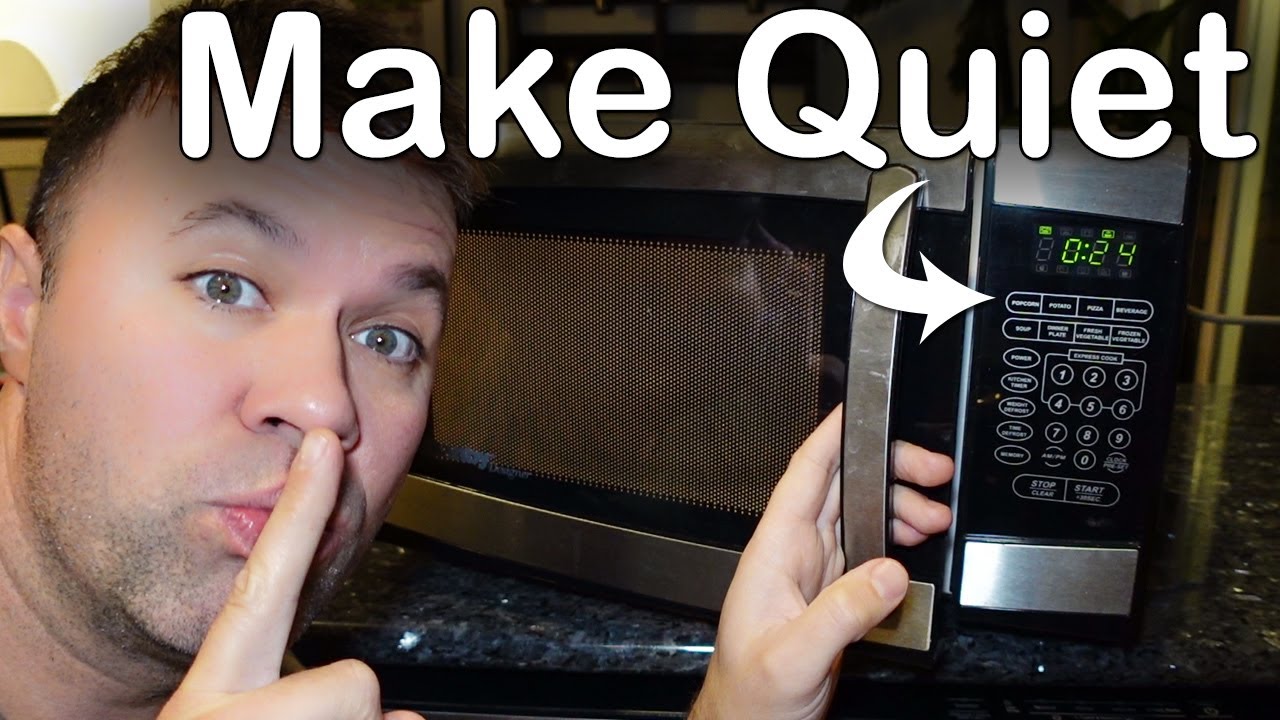
Microwaves beep for many reasons. They signal end of cooking. They warn of errors. They remind you the door is open or a timer ran out. Modern models use beeps for button presses and safety alerts too. Knowing the cause helps you pick the right fix.
Common beep reasons
- End-of-cycle chimes to tell you food is ready.
- Keypad feedback when you press buttons.
- Door, sensor, or error alerts for safety or faults.
- Timer or kitchen timer alarms.
- Child lock and program reminders.
How understanding helps
- If the beep is a normal end tone, you can often silence it in settings.
- If it’s an error beep, silencing might mask a safety issue.
- If the door beeps, check the latch and switches.
Quick fixes to stop a microwave from beeping
These are fast steps you can try right now to stop the sound. Each step is safe and easy. Try them in order from simple to advanced.
Simple steps
- Check the manual or model number. Many units have a mute option.
- Press and hold the Sound, Tone, or Volume button for 3–5 seconds. This toggles mute on many brands.
- Try the Settings or Options menu. Look for Sounds, Beeper, or Key Beep.
- Reset the microwave by unplugging it for 30 seconds and plugging it back in.
- If it beeps when door is opened, clean the latch area and ensure the door closes fully.
If menu navigation is unclear
- Use the clock or timer button sequence shown in the manual.
- Try common button combos like holding 0 or Start for several seconds.
PAA-style quick questions
Can I silence beeps entirely on any microwave?
Many modern microwaves allow full mute via settings. Older models may not have a mute. For those, physical or professional fixes may be needed.
Will unplugging the microwave stop beeps permanently?
Unplugging stops beeps until you plug the unit back in. It also clears small electronic glitches. It won’t change permanent settings.
Is it safe to mute error beeps?
No. Muting normal tone alerts is fine. Do not ignore repeated error beeps. They can signal a hazard or fault.
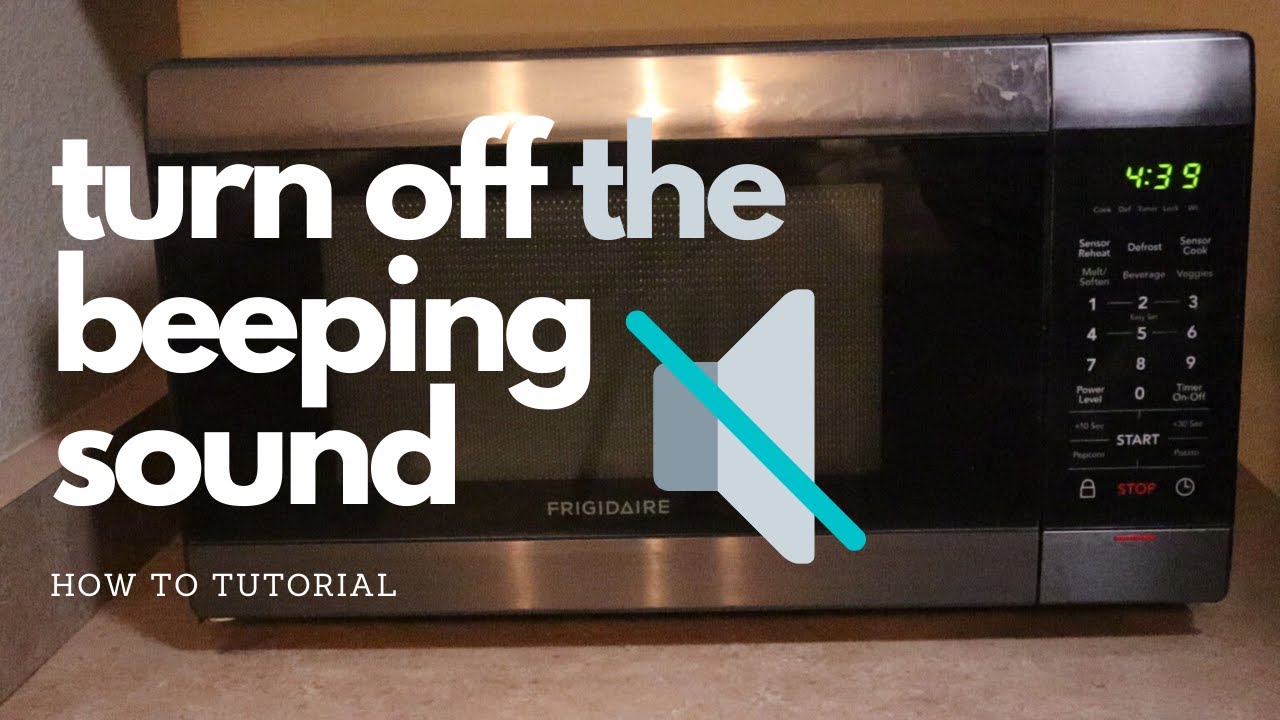
Settings deep dive: how to stop a microwave from beeping via menus
Explore the control panel steps. These work for touchpad and dial models. Keep your manual handy. If you don’t have it, try manufacturer site or a quick web search for your model.
Common menu paths
- Settings > Sound > Off or Low
- Options > Beeper > Disable
- Sound or Tone > Hold button for 3–5 seconds to toggle
- Clock set sequence: press Clock, then hold 0 or Cancel
Step-by-step example
- Press Menu or Settings.
- Select Sound or Audio.
- Choose Off, Low, or Mute.
- Exit and test by cooking 10–15 seconds.
If your microwave uses a mechanical switch
- Mechanical models lack menus.
- You may hear a single beep on door release.
- Cleaning the latch can reduce false beeps.

Hardware and repair options when settings don’t work
When settings fail, the issue is often hardware or firmware. Below are safe next steps and repair options.
Check these parts
- Door switches and latch can trigger beeps. Inspect and clean them.
- Control board or keypad may be faulty if beeps are irregular.
- Speaker or piezo buzzer can be disconnected, replaced, or muffled.
Repair choices
- DIY: unplug, open only if confident, and check connectors. Replace worn door switches.
- Technician: hire a certified appliance repair pro for board-level fixes.
- Replacement: for older or cheap units, replacement may be cheaper than repair.
Safety note
- Unplug the microwave before any inspection.
- High-voltage parts store energy even when unplugged. If unsure, call a pro.
Practical tips, mistakes to avoid, and real-life experience
I’ve muted beeps on several brands. Some tricks work better than others. Here are tested tips and common mistakes.
Practical tips
- Keep the manual or a photo of the settings menu for quick reference.
- Label the button combo that mutes your unit. Tape it to the cabinet.
- Use the microwave clock to avoid extra beeps for timer reminders.
Mistakes to avoid
- Don’t disable beeps without checking for error codes.
- Don’t tamper with high-voltage components if you lack training.
- Avoid permanently removing circuits unless replacing the unit.
A short real example
I helped a neighbor silence a noisy built-in microwave. The beep came from a stuck door switch. Cleaning and aligning the latch fixed it. We also turned down the key beep in settings. The unit is quiet and safe now.
When to consult a technician or replace the microwave
If beeps persist, act. Persistent or odd beeps can mean a fault. Here’s how to decide.
Call a technician when
- Error beeps repeat after reset.
- The microwave smells or sparks.
- Door won’t latch properly or opens unexpectedly.
Consider replacement when
- Repair costs exceed 50% of a new unit.
- The unit is older than 10 years and has multiple issues.
- You want newer features such as silent mode or smart controls.

Frequently Asked Questions of how to stop a microwave from beeping
How do I mute the beep on my microwave quickly?
Press and hold the Sound, Mute, or Clock button for 3–5 seconds on many models. If that fails, check Settings or the manual for a mute option.
Will turning off the beep void the warranty?
Disabling a sound via menu does not void warranty. Physical modification could void it. Always check warranty terms before hardware changes.
My microwave beeps randomly. What should I do?
Reset the microwave by unplugging it for 30 seconds and testing again. If it keeps beeping, get a technician to inspect the door switches and control board.
Can I use tape or padding to stop the speaker sound?
Temporarily muffling the speaker with tape can reduce volume. Do not block ventilation or alter safety components. Long-term muffling is not a safe fix.
Is it safe to silence error beeps?
No. Error beeps warn of faults. Silence only routine end-of-cycle or key beeps. If errors appear, diagnose the cause first.
How do I find the mute setting without a manual?
Try the Settings or Options button and scan for Sound, Tone, or Beeper. You can also search online with your model number to find menu steps.
My microwave beeps when the door opens. What causes that?
A faulty door switch or misaligned latch often triggers door-open beeps. Clean and realign the latch. If it continues, have the switches checked.
Conclusion
You can stop a microwave from beeping in most cases by changing sound settings, cleaning door latches, or resetting the unit. Safe repairs and professional help are the right choice for persistent or error-related beeps. Try the simple fixes first, document what worked, and don’t ignore safety alerts. Take action today: mute what’s safe, fix what’s not, and enjoy a quieter kitchen. If this guide helped, leave a comment or subscribe for more practical appliance tips.

Appliance Review Expert
Lucas Ramirez is a trusted voice at HomeFixGrid.com, known for his clear, practical, and creatively written guides that simplify appliance care for everyday homeowners. With a strong focus on hands-on testing and real-world problem-solving, Lucas brings expert insight into appliance reviews and troubleshooting techniques. Her work empowers readers to confidently maintain, repair, and choose the right appliances for their homes.