How To Set The Clock On A Danby Microwave: Easy Setup
To set the clock on a Danby microwave, press the Clock or Time button, enter the current time with the number keypad, then press Clock, Start, or Enter to save it. The exact buttons can vary by Danby model, so use the control panel label that matches your microwave.
This guide is written for Danby microwave owners in the United States. Most U.S. models use a 12-hour clock, although some models may offer a 24-hour setting. The clock may need to be reset after a power outage, unplugging, or a circuit breaker trip.

Before You Set the Danby Microwave Clock
Check that the microwave is plugged in and that the display is working. If the display is blank, the microwave may not have power, or its clock may be set to an energy-saving mode.


Look closely at the control panel. Danby uses several button layouts, including:
- Clock
- Time
- Clock/Timer
- Settings
- A button with a small clock symbol
You will also need the microwave’s number keypad. If your Danby model has a dial instead of number buttons, use the dial to select the hour and minutes.
The model number is usually found:
- Inside the microwave door
- On the rear or side of the unit
- On a label near the front frame
- In the owner’s manual
The model number matters because button names and clock controls differ across Danby countertop, over-the-range, and compact microwave models.
How to Set the Clock on a Danby Microwave
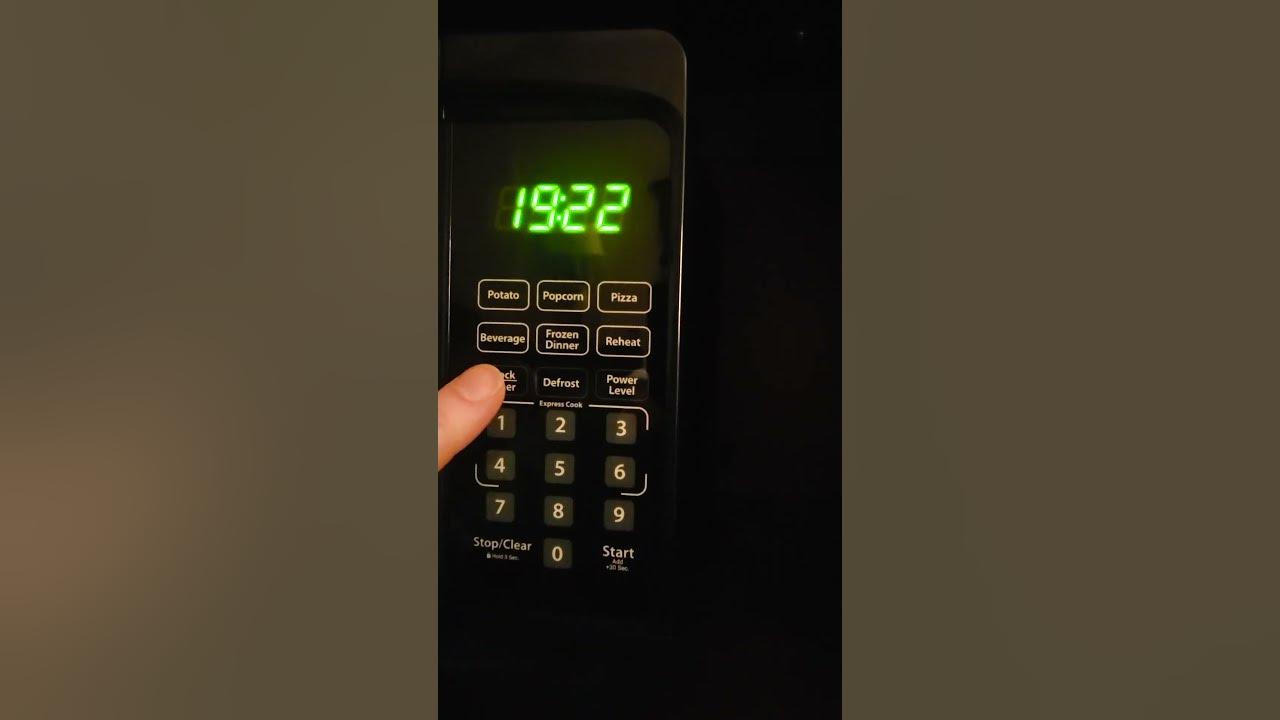
Use these steps first if your Danby microwave has a dedicated Clock or Time button.
- Press Clock or Time.
- Enter the current hour using the number keypad.
- Enter the current minutes.
- Press Clock, Start, or Enter to confirm.
- Check the display to make sure the correct time appears.
For example, to set the microwave to 7:25, press:
Clock → 7 → 2 → 5 → Clock or Start
On some models, the microwave asks you to choose AM or PM. If it does, press the matching option before saving the time.
Other models may require a two-step entry:
- Press Clock.
- Enter the hour.
- Press Clock again.
- Enter the minutes.
- Press Clock or Start to finish.
If the display shows a blinking clock, the time has not been saved yet. Press the final confirmation button until the numbers stop flashing.


How to Set the Clock if Your Danby Has a Clock/Timer Button
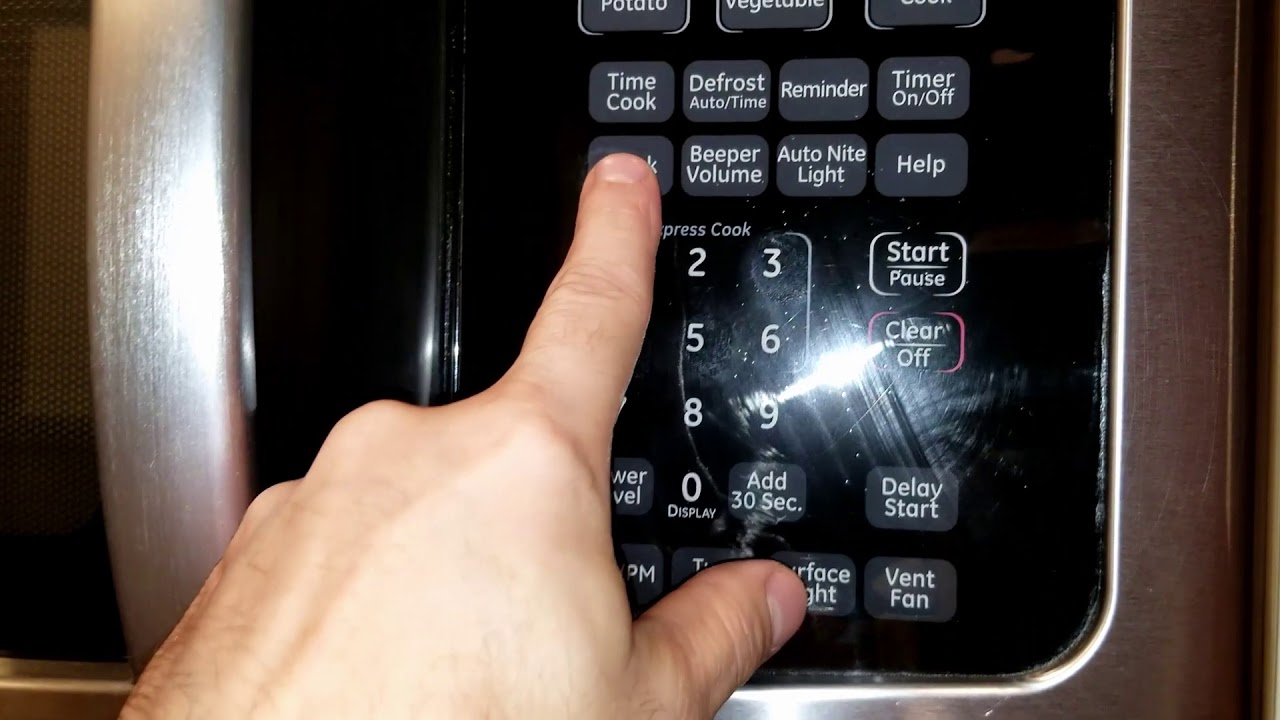
Some Danby microwaves combine clock and timer functions under one button. In that case, press Clock/Timer once and watch the display.
If the display shows a clock prompt, enter the time with the keypad. Then press Clock/Timer, Start, or Enter.
If pressing the button once starts the kitchen timer instead, press it twice. The first press may select the timer, while the second press may open the clock-setting function.
A common sequence is:
Clock/Timer → hour and minutes → Clock/Timer
Another possible sequence is:
Clock/Timer → hour → Clock/Timer → minutes → Start
Because Danby has used different control panels, do not keep pressing buttons if the microwave begins a cooking cycle. Press Stop, Cancel, or Clear once, then try again.

How to Set the Clock on a Danby Microwave Without a Number Keypad
A Danby microwave without a full number keypad may use a dial, arrow buttons, or a combination of controls.
Try this general process:
- Press Clock, Time, or the clock symbol.
- Turn the dial or press the arrow buttons to select the hour.
- Press Start, Enter, or the dial to confirm the hour.
- Select the minutes.
- Press Start, Enter, or the dial again to save the time.
Some compact microwaves require you to hold the Clock button for several seconds before the time begins to flash. If a short press does nothing, press and hold it for about two to three seconds.
Do not force the dial or hold several buttons at once. If the controls do not respond, unplug the microwave only when it is safe to do so, wait briefly, and reconnect it.


How to Change the Clock Between 12-Hour and 24-Hour Time
Some Danby models allow you to choose between 12-hour and 24-hour display formats. The option may be labeled:
- 12/24
- Clock Mode
- Time Format
- Settings
To change the format, press the clock or settings button and look for a 12-hour or 24-hour prompt. Select the format, then set the time again if the microwave asks you to do so.
A 12-hour display uses numbers from 1:00 to 12:59 and may show AM or PM. A 24-hour display uses numbers from 00:00 to 23:59.
Not every Danby microwave supports both formats. If the display does not offer a format choice, the model may be fixed to one clock style.
What to Do if the Danby Microwave Clock Will Not Set
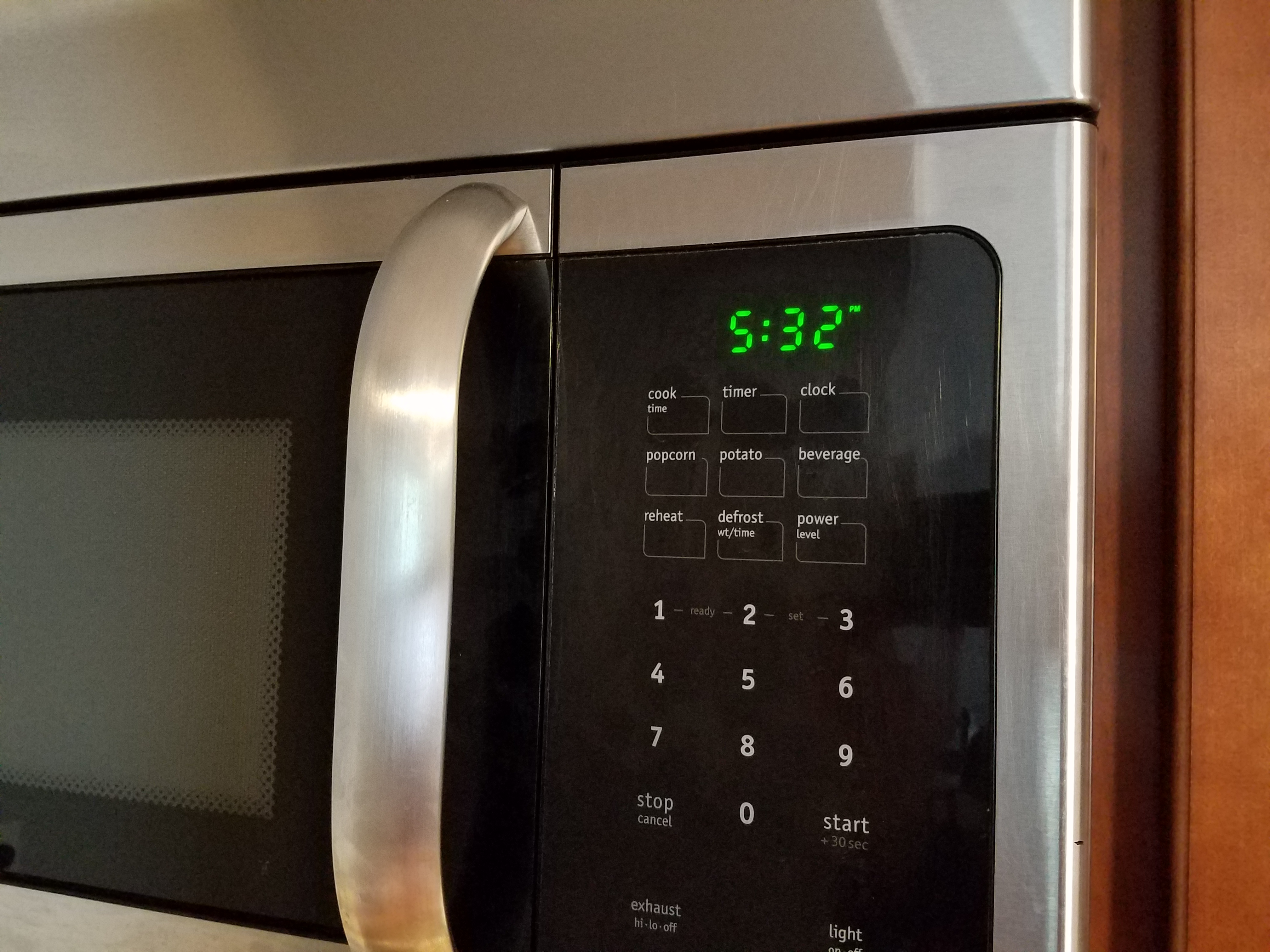
If the clock will not save, check the problem in this order.
The display is blank
Confirm that the microwave is plugged into a working outlet. Test the outlet with another small appliance, if safe.
If the microwave is installed over a range, check whether it is connected to a wall switch or controlled by a circuit breaker. Do not remove the microwave’s outer cover. Internal parts can hold dangerous electrical energy even after the unit is unplugged.
The numbers keep flashing
A flashing display usually means the time entry is incomplete. Press the required confirmation button, such as Clock, Start, or Enter.
If the time disappears after a few seconds, repeat the process more slowly. Some models time out when no button is pressed.
The microwave starts cooking
You may have pressed Start before the clock entry was complete, or the button may have a dual purpose. Press Stop, Cancel, or Clear to end the cycle. Then begin again with the Clock or Time button.
Never leave the microwave running empty. Operating a microwave without food or liquid inside can damage the appliance.
The clock resets after every power outage
A reset clock after a power interruption is normal on many basic microwave models. It does not necessarily mean the microwave is defective.
If the clock resets while the microwave remains powered, check the outlet and circuit. Repeated resets, sparks, burning smells, smoke, or unusual sounds require service. Unplug the microwave if you can do so safely and contact Danby or a qualified appliance technician.


How to Find the Correct Danby Microwave Instructions
If the common button sequence does not work, find the manual for the exact model rather than guessing.
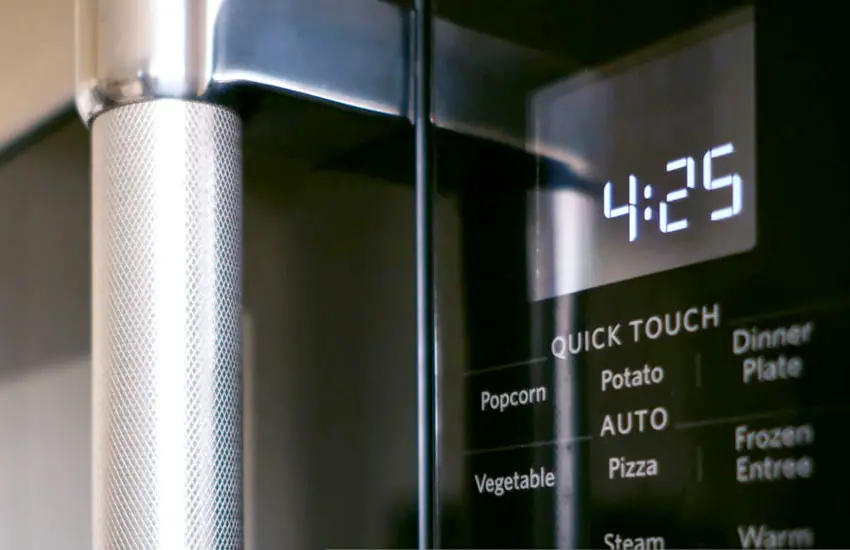
Look for the model number on the appliance label. Then use Danby’s official support or product documentation to locate the matching owner’s manual. Confirm that the manual applies to the same model number and region.
A manual may show:
- The exact clock button
- Whether the microwave uses 12-hour or 24-hour time
- The required confirmation button
- Whether the clock works during standby
- How to disable or enable the display clock
Do not rely only on a similar-looking microwave. Two Danby models can have nearly identical panels but use different clock sequences.
Common Mistakes When Setting a Danby Microwave Clock
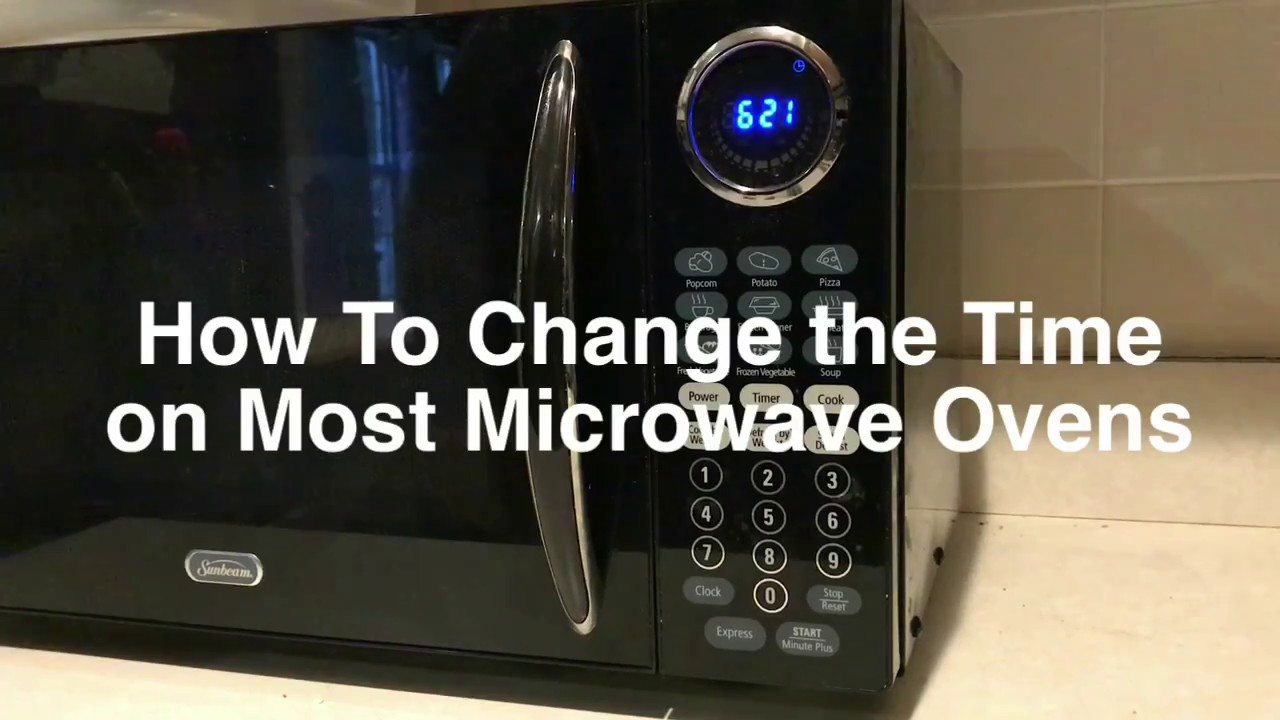
The most common mistake is entering the time but not confirming it. The display may continue blinking until you press the correct final button.
Other frequent mistakes include:
- Pressing Timer instead of Clock
- Entering minutes before the hour
- Forgetting to choose AM or PM
- Using a 24-hour format on a 12-hour model
- Pressing Start too early
- Trying to set the clock while a cooking cycle is running
- Following instructions for a different Danby model
- Assuming the clock will retain the time after a power failure
If the microwave has a Cancel or Stop button, use it to return the appliance to standby before setting the clock.

Quick Reference: Danby Microwave Clock Sequences
The table below shows common sequences. It is a guide, not a universal instruction for every Danby model.
| Control panel type | Usual sequence |
|---|---|
| Dedicated Clock button | Clock → enter time → Clock or Start |
| Time button | Time → enter time → Time or Start |
| Clock/Timer button | Clock/Timer → enter time → Clock/Timer or Start |
| Dial control | Clock → select hour → confirm → select minutes → confirm |
| 12/24-hour option | Select format → enter time → confirm |
The key sign of success is a steady display showing the correct time. If the numbers flash, disappear, or return to 00:00, the clock was not saved or the microwave lost power.

Frequently Asked Questions
Why does my Danby microwave say “00:00”?
The display usually shows 00:00 after a power interruption or when the clock has not been set. Press the Clock or Time button and enter the current time.
Can I set the Danby microwave clock while it is cooking?
Usually, no. Stop the cooking cycle first, then return the microwave to standby mode. Some advanced models may allow clock access during operation, but the owner’s manual is the best source for that model.
Why is my Danby microwave clock one hour wrong?
The microwave clock does not normally adjust itself for daylight saving time. Update it manually when the U.S. changes between standard time and daylight time. Also check whether AM and PM were entered correctly.
How do I reset the clock after a power outage?
Press Clock or Time, enter the hour and minutes, and confirm with Clock, Start, or Enter. The exact sequence depends on the model.
Can I turn off the clock display?
Some Danby microwaves include a display or energy-saving setting that can hide the clock. Others show the clock whenever the microwave is in standby. Check the manual for your model before changing this setting.
Final Answer
For most Danby microwaves, press Clock or Time, enter the hour and minutes, and press Clock, Start, or Enter to save the setting. If that sequence fails, stop the microwave, check for a Clock/Timer button, and use the manual for the exact model number.
After setting the clock, confirm that the display stays steady and shows the correct time. If the microwave repeatedly loses the time while connected to power, stop using it if you notice sparks, smoke, burning odors, or unusual sounds, and arrange qualified service.

Appliance Review Expert
Lucas Ramirez is a trusted voice at HomeFixGrid.com, known for his clear, practical, and creatively written guides that simplify appliance care for everyday homeowners. With a strong focus on hands-on testing and real-world problem-solving, Lucas brings expert insight into appliance reviews and troubleshooting techniques. Her work empowers readers to confidently maintain, repair, and choose the right appliances for their homes.