How To Silence Your Microwave: Quiet Tips That Work
Lower the microwave’s volume using settings, vibration pads, or simple safe modifications quickly.
I’ve spent years fixing small kitchen annoyances, and I know how loud beeps can ruin a quiet home. This guide shows practical, safe, and tested ways on how to silence your microwave. You’ll find step-by-step checks, quick no-tools fixes, deeper DIY options, and clear warnings about safety and warranties. Read on and get your kitchen peaceful again.
Why microwaves beep and what makes them loud
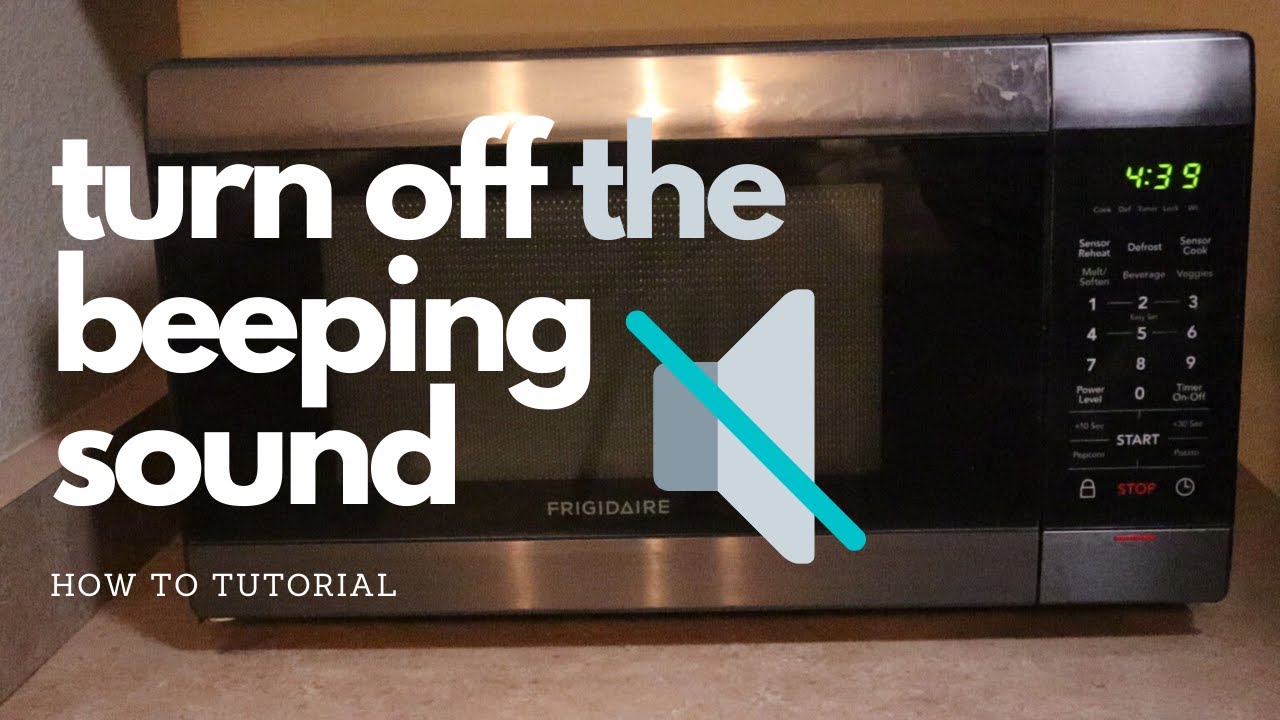
Microwaves beep to tell you the cook time is done. They also signal button presses, faults, or door issues. The sound comes from a small piezo buzzer or speaker. The buzzer sits inside the case. Sound is loud if the case vibrates or sits on a hard surface.
Common causes of loud beeps
- Factory buzzer volume set high.
- Case or feet that amplify vibration.
- Old or loose parts that rattle.
- Fault or error tones that are sharper and louder.
- Placement on a hollow or thin cabinet shelf.
What to expect when you try to silence your microwave
- Some models have a mute option in the menu.
- Some quieting methods need tools and void warranty.
- Some fixes are safe and simple and do not touch electronics.

Quick checks before you start
Turn off power before any deep work. Read the manual for a mute or sound setting. Check the manufacturer’s website for instructions. If your unit is newer, the solution may be a simple menu toggle. If it is old, expect to try mechanical fixes.
Safety checklist
- Unplug the microwave before opening panels.
- Avoid covering vents or blocking airflow.
- Don’t tamper with high-voltage parts like the magnetron.
- Know that opening the case can void warranty.

Simple, no-tool ways on how to silence your microwave
These methods keep warranty intact and work for many people.
Move or pad the microwave
- Place it on a silicone mat or anti-vibration pad to damp sound.
- Add rubber or cork pads under the feet to stop rattles.
- Set it on a solid countertop rather than a hollow shelf.
Mute notifications via settings
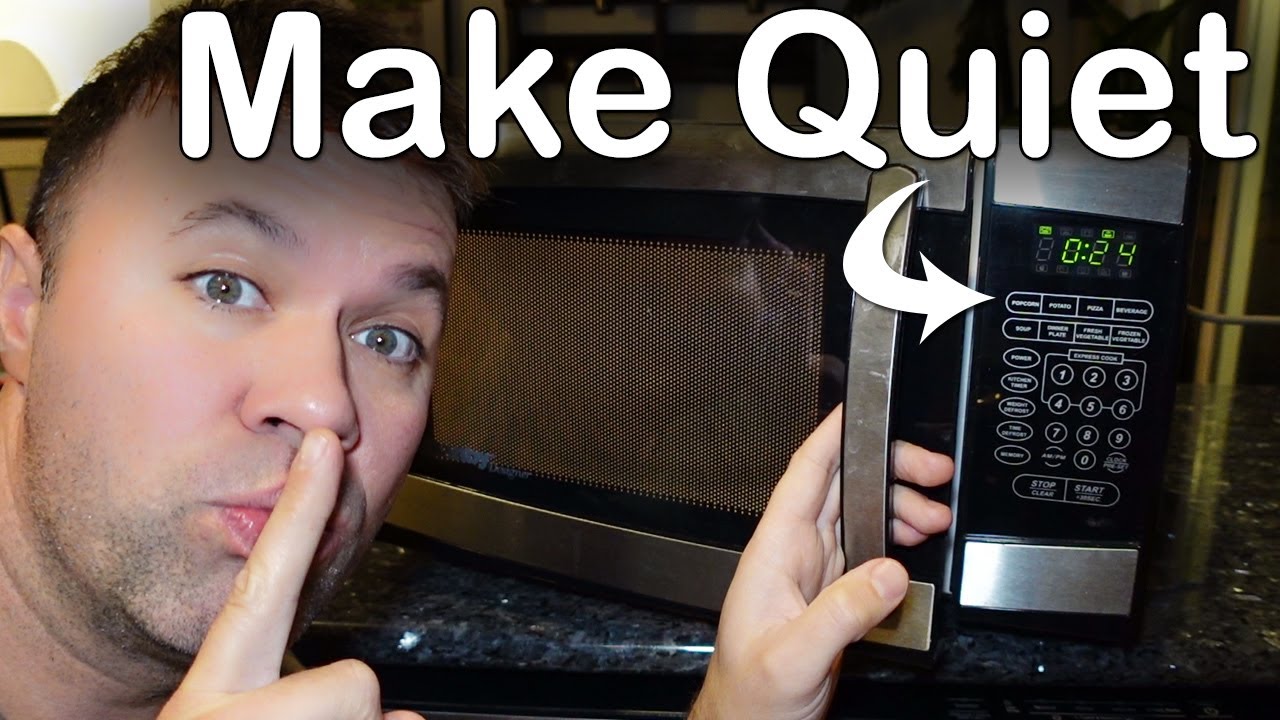
- Look through clock, sound, or options menus for a mute or volume setting.
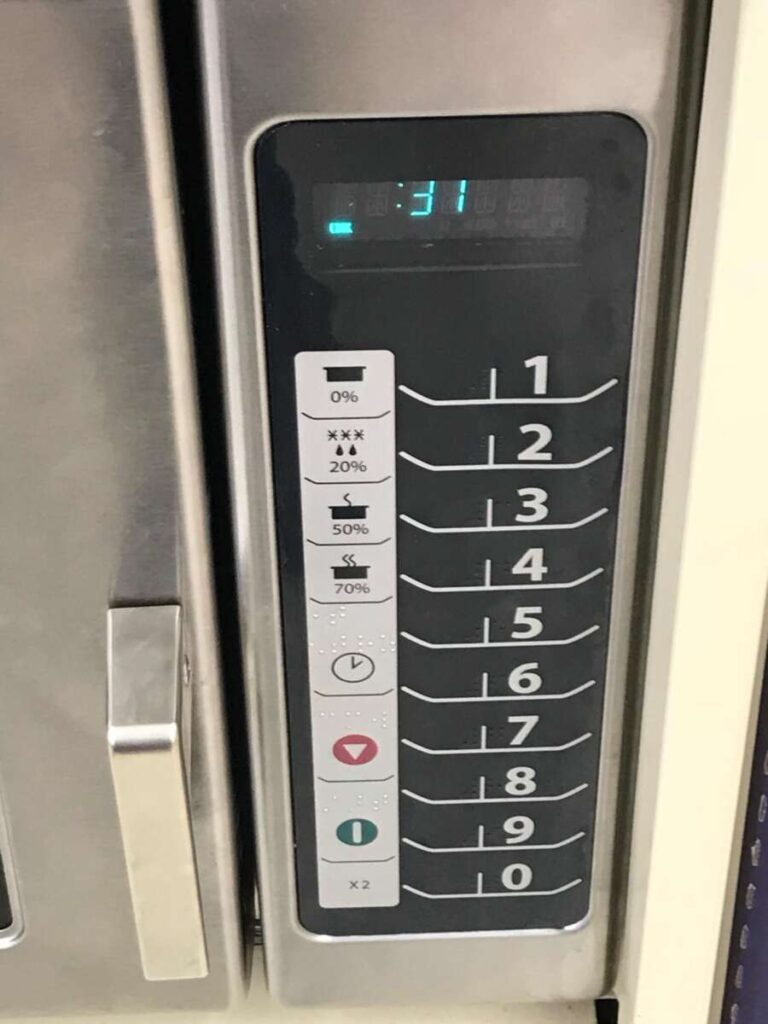
- Try holding the "0" or "Stop" key for a few seconds; some models toggle sound this way.
- Resetting the clock in some microwaves can expose hidden menu items that include sound.
Use a soft cover when cooking
- Place a towel under the microwave when it is off to absorb buzz.
- Do not block vents or put fabric near the back vents during use.

Small DIY fixes that usually don’t void warranty
Use these if the manual does not help and you want minimal risk.
Tighten loose components from outside
- Tighten screws on the microwave’s outer shell with a screwdriver.
- Check and tighten the door latch screws. A loose latch can trigger sharp beeps.
Add foam strips around the door frame
- Use thin adhesive foam around the door edges to reduce rattles.
- Keep the foam away from the seal line so the door still closes properly.
Replace rubber feet
- Swap worn feet with slightly thicker silicone feet to isolate vibration.
- These are cheap and simple to install.
src="https://i.ytimg.com/vi/fTvrrFo19DU/maxresdefault.jpg"
alt="Steps for advanced DIY muting (may void warranty)”
style=”max-width: 100%; height: auto; border: 2px solid black; border-radius: 10px; display: block; margin: 0 auto;”
loading=”lazy”
/>
Steps for advanced DIY muting (may void warranty)
Only attempt if you are comfortable with tools. Unplug and follow safety rules. If unsure, call a pro.
Tools you may need
- Screwdrivers with insulated handles
- Needle-nose pliers
- Small foam or rubber pads
- Multimeter (optional)
General steps to mute the buzzer
- Unplug the microwave and remove the outer cover.
- Locate the buzzer or small speaker, usually a round device on the electronics board.
- If it is a snap-in buzzer, test by holding it gently to reduce sound. If that works, consider placing a small foam pad between the buzzer and the casing to damp vibration.
- If you choose to disconnect the buzzer wire, mark the wire and clip only after confirming no other circuits use that lead. Test the microwave on a short power-on cycle. If the oven runs properly and the beep is gone, reassemble.
Risks and common mistakes
- Do not touch the magnetron or its capacitors; they store lethal charge.
- Cutting wires blindly can create faults or safety hazards.
- Many microwaves will display errors if the buzzer is disconnected.
When to call a technician or replace the unit
Call a repair pro if the microwave has electrical faults. Seek help when:
- Error tones continue after a reset.
- The unit makes burning smells or sparks.
- You don’t want to risk warranty or safety.
When replacement makes sense
- Cost of repair is near the price of a new unit.
- Unit has multiple failing components.
- You want a model with dedicated silent or adjustable sound settings.

Safety, warranty, and legal considerations
Silencing a microwave has safety and legal angles. Tampering can void warranty. It may also remove audible alerts that warn of dangerous conditions. For these reasons:
- Keep key safety sounds active if possible.
- Document any changes you make.
- Check local disposal rules if you replace the microwave.
Best practice
- Try non-intrusive fixes first.
- Read your manual and follow manufacturer advice.
- Use professional service for internal electrical work.
My experience: what worked for me and what to avoid
I once had a loud microwave that woke a sleeping child every night. I first tried a mute in the menu. There was no setting. Next I placed the unit on a silicone pad and changed the feet. That reduced noise by more than half. I then added thin foam around the door to stop a rattle. It worked and kept the warranty intact.
Lessons learned
- Try placement and pads first. They are cheap and safe.
- Avoid disconnecting internal parts unless you know electronics.
- Keep a written note of any changes in case you sell the unit.
Costs, benefits, and realistic expectations
Expect low cost for simple fixes. Pads and foam cost under $20. Professional service runs higher. Replacing the microwave gives you modern features like adjustable chimes but costs more.
Benefits of silencing
- Less stress and noise in your home.
- Better sleep and fewer startle reactions.
- Cleaner kitchen ambiance.
Limitations
- Some beeps are safety signals; removing them can be risky.
- Not all models have user-accessible mute features.
Troubleshooting quick guide
If the unit is still loud, try this checklist in order:
- Check menu for mute or volume item.
- Reposition and add rubber or silicone padding.
- Tighten exterior screws and the door latch.
- Add thin foam to stop door rattle.
- Call a pro if the microwave shows errors or you smell burning.
Frequently Asked Questions of how to silence your microwave
How can I mute my microwave without opening it?
Look for a mute or sound option in the clock or settings menu. If none exists, try holding common buttons like "Stop" or "0" for a few seconds to toggle sound on some models.
Is it safe to disconnect the buzzer inside a microwave?
Disconnecting the buzzer can stop alerts but may void warranty and carries risk if you touch high-voltage parts. Only do it if you are experienced and have unplugged and discharged the unit.
Will placing my microwave on a mat reduce the sound?
Yes. A silicone or anti-vibration mat can reduce vibration and lower perceived volume. It is a safe and low-cost first step.
Can adding foam around the door cause problems?
Thin foam can stop rattles but should not block the door seal or vents. Use low-profile foam and test the door close and cooking function after fitting.
My microwave beeps for errors; should I mute those?
Error beeps warn of problems. Investigate the cause before muting error tones. If you mute error sounds you risk missing a real fault.
Conclusion
You can often quiet a noisy unit using simple, safe fixes like mute settings, silicone pads, and tightening screws. For deeper changes, follow safety rules and know that opening the case may void warranty. Start with non-intrusive steps, keep safety signals intact, and call a technician for electrical faults. Take action today: try a pad or menu check, note what works, and enjoy a quieter kitchen. If this helped, leave a comment or subscribe for more handy home fixes.

Appliance Review Expert
Lucas Ramirez is a trusted voice at HomeFixGrid.com, known for his clear, practical, and creatively written guides that simplify appliance care for everyday homeowners. With a strong focus on hands-on testing and real-world problem-solving, Lucas brings expert insight into appliance reviews and troubleshooting techniques. Her work empowers readers to confidently maintain, repair, and choose the right appliances for their homes.